
How to make an AI powered SMS campaign
Syllable lets your AI Agents send SMS messages to customers through our powerful campaign builder
Published: Dec 16, 2025
How to Run an AI Powered SMS Outbound Campaign
Reach your contacts with personalized SMS using Syllable's outbound campaign feature.
Your customers live in text messaging. Whether you're reminding patients, confirming appointments, following up on leads, or delivering time-sensitive alerts, SMS continues to be one of the highest-engagement outreach channels. With Syllable's SMS outbound campaigns, you can now plan, launch, and scale automated SMS outreach directly from the Console.
In this post, we'll walk through how SMS outbound campaigns work, how to set one up, and best practices to make your campaigns effective.
What is an SMS Outbound Campaign?
An SMS outbound campaign is a scheduled, organized sequence of text messages sent to a defined list of contacts. Campaigns let you:
- Define operating hours and pacing (e.g., X messages per hour)
- Send personalized content at scale
- Track delivery, engagement, and campaign statuses
- Integrate seamlessly with agent logic and pass through variables
This feature expands Syllable's outbound capabilities beyond calls to include proactive SMS outreach - all without managing external dialers or complex integrations.
How SMS Outbound Campaigns Work
SMS outbound campaigns in the Syllable Console follow a simple three-step workflow:
1. Create the Campaign
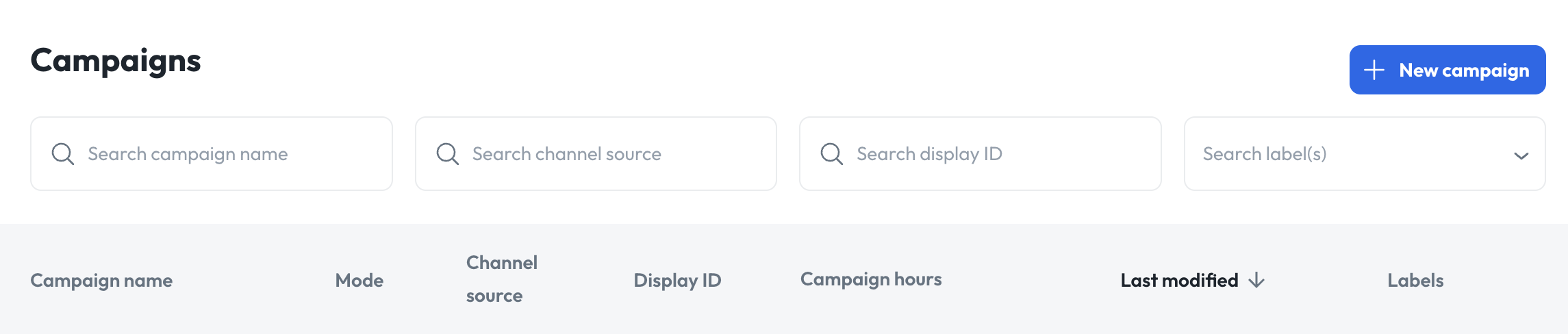
Navigate to Campaigns in the Syllable Console and click New campaign. You'll configure:
- Name - A descriptive identifier for this outreach effort
- Mode - Choose SMS
- Channel source - Select the SMS channel (phone number) linked to your agent or sender
- Rate per hour - How many SMS messages to send per hour
- Campaign hours - Days and hours the campaign is allowed to run
These fields define the who, when and how fast of your SMS outreach - giving you control over cadence and compliance with contact policies.
Click Save.
2. Add a Batch
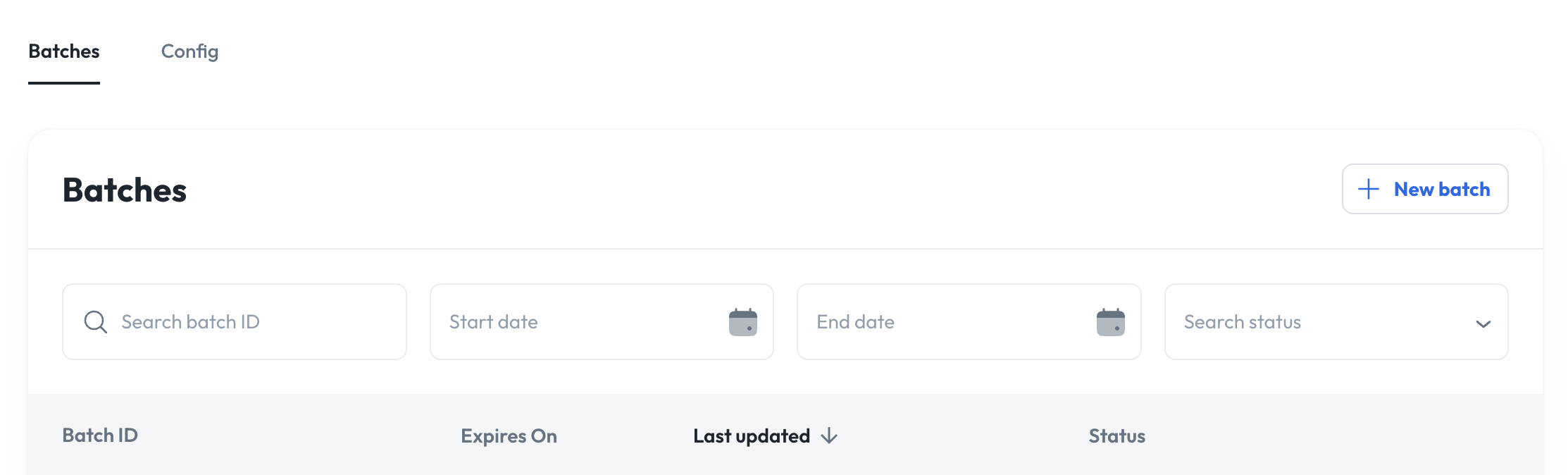
A batch is a list of contacts that you want to message. These can be uploaded via CSV.
- Click Batches under your campaign
- Choose New batch
- Select a time to run, if testing use "auto-run batch".
Tip: If you enabled Auto-run batch, your campaign begins sending immediately upon upload. Otherwise, you can start it manually afterwards.
- Click Save and Upload
- Next, you'll need to upload contact information, download the template and add the phone numbers that you'd like to reach out to.
- Include columns like first-name to personalize messages, and then pass that through as a variable.
- Click Upload
Pro tip: Use variables like {{vars.first-name}} in your message and prompt to make each outreach feel personal and tailored.
3. Monitor and Optimize
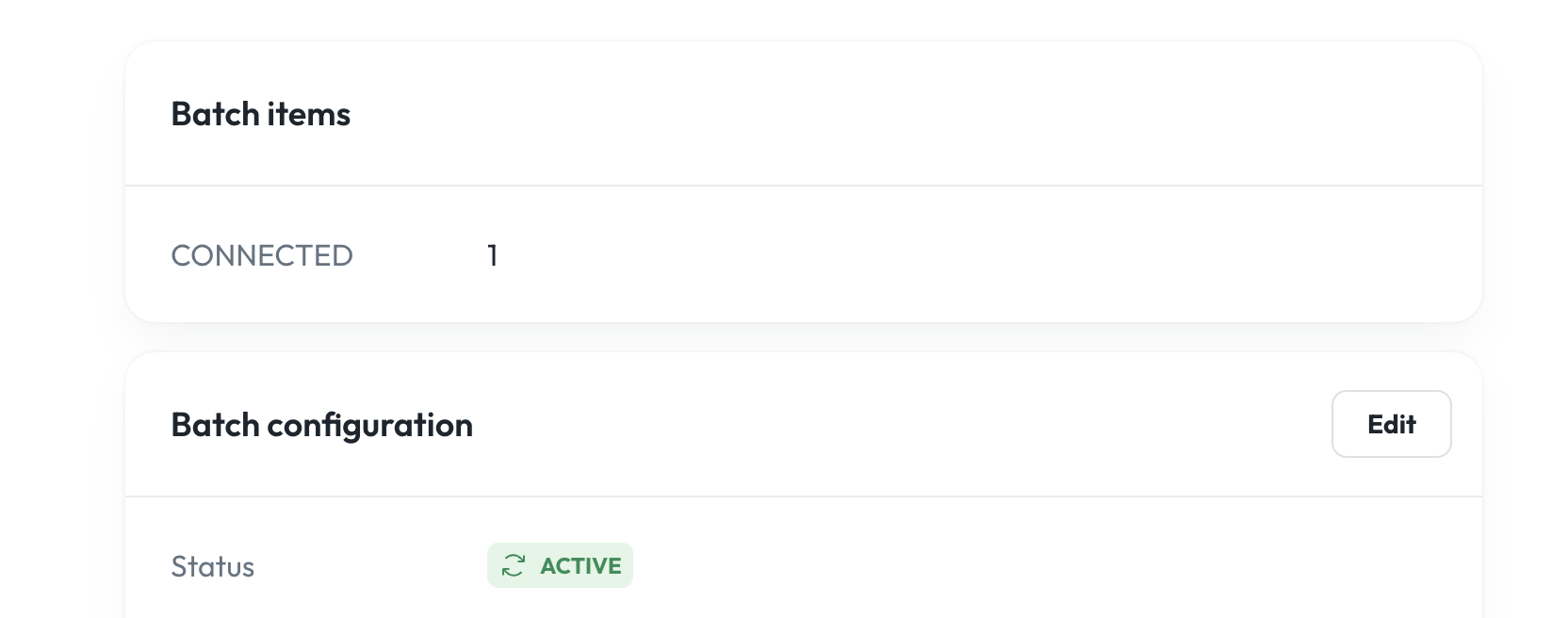
Once a campaign is active, the campaign status view lets you:
- Track delivery status
- Review responses and transcripts (if your agent handles two-way SMS)
- Assess campaign pacing and engagement
- Cancel or kick off new batches.
Syllable logs outcomes so you can refine message content, timing, and targeting over time.
Best Practices for SMS Outreach
To make your SMS outbound campaigns more effective:
- Offer value in the first message. Introduce yourself and explain why you're texting right up front.
- Keep it concise. Short, clear SMS messages drive higher engagement.
- Respect hours and frequency. Only send messages during appropriate business hours and limit frequency to avoid opt-outs.
- Use personalization. Merge in data fields like first name, service type, or appointment time to boost relevance.
- Monitor performance. Track delivery reports and response rates to improve future campaigns.
Connect with customers today
Syllable's SMS outbound campaigns empower you to reach audiences where they're already active - on their phones, with a personalized touch, and at scale. Whether you're driving engagement, sending reminders, or launching a lead nurturing sequence, SMS campaigns help you be timely and effective.
Ready to start sending smarter SMS? Log into the Syllable Console and create your first outbound campaign today.
View All Blog Posts
Read more tutorials, product updates, and insights on the Syllable Blog.